Frequently Asked Questions
What equipment or materials will my child need for speech teletherapy?
Your child will need the following to participate in teletherapy sessions:
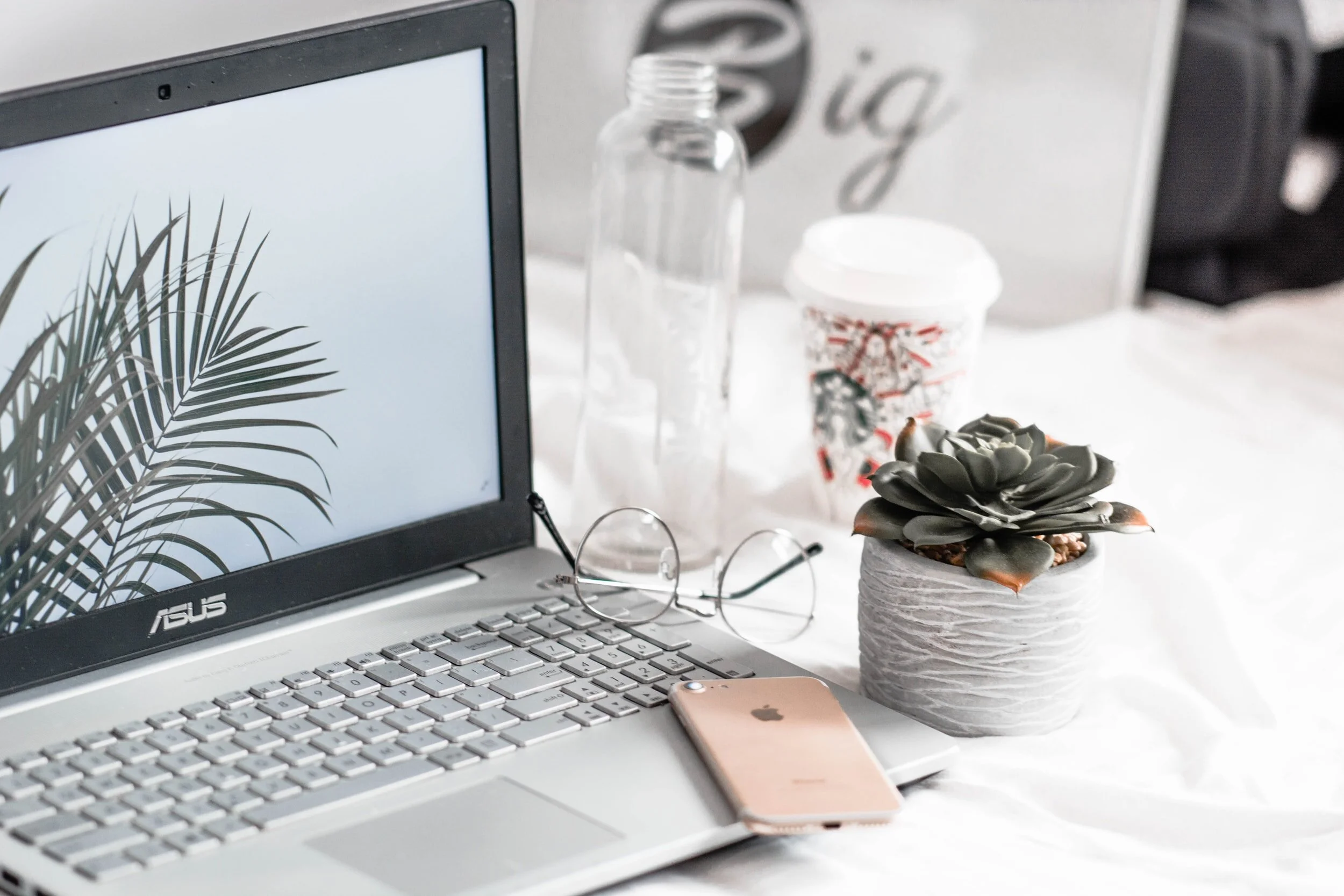
A computer/tablet or smartphone with web cam/microphone access (internal or external)
High speed internet connection/WiFi
A quiet environment with limited background noise to ensure both the client and speech therapist are able to hear and focus during the session
A parent/family member/caregiver for assistance and education (as appropriate)
A headset with a microphone may improve the sound quality of your child’s speech over the computer but is not required.
Is speech teletherapy just as effective as in-person therapy?
Yes, research shows that teletherapy is just as effective as in-person therapy. As long as your child can engage with the computer for at least 30 minutes, they will be able to participate in teletherapy.
Do I need a doctor’s order or referral for my child to begin services?
The profession of speech-language pathology is autonomous and a physician's order is not required to provide services if you are a private pay client.
How long will my child need therapy?
There isn’t a definite answer to this question because speech-language therapy is a personalized health care service. There are many factors included in therapy which includes frequency (how often your child is seen), intensity (the length of your child’s sessions), motivation, carry-over of home program, and other health factors.
Is teletherapy private?
Just like a face-to-face appointment, your child’s teletherapy visit will be private and confidential.
What can I do to do improve the quality of the connection?
If you live in an area with slow internet, this can really affect the speed of your connection. Here are some basic steps that can improve the overall quality:
Use wired Ethernet instead of wifi whenever possible. Wifi will work, but you may experience a lag and interference, which can make your video and audio choppy. If you experience a lag or interference while using Wifi, we recommend moving closer to your router. However, wired internet will give you a much smoother, more consistent experience.
Test your internet connection speed. Use https://fast.com to make sure your device is set up for successful connection and audio/video quality. Around 3Mbps/sec is generally adequate, especially if there is only one device using the Internet in your home at a time.
Close other programs. If you have several programs running in the background, closing them will almost certainly improve the quality. Also, make sure you’re not downloading any large files.
If you are unable to connect, please contact us as soon as possible to see if we can help you troubleshoot.
How should I prepare my child’s space for a teletherapy appointment?
Identify a suitable room that is quiet and free of distractions.
To keep background noise to a minimum, make sure to close any doors, shut windows, turn off the television, and keep loud pets in another room if possible.